Air quality testing
Samples, lab reports, and test history.
For service providers
Plan the work, prepare the truck, record the service, and get the report back to the customer. Connect air testing, maintenance, and repairs so the office and field team work from the same information.
For maintenance, inspection, testing, and equipment service businesses.
Clutch AI · Put your service data to work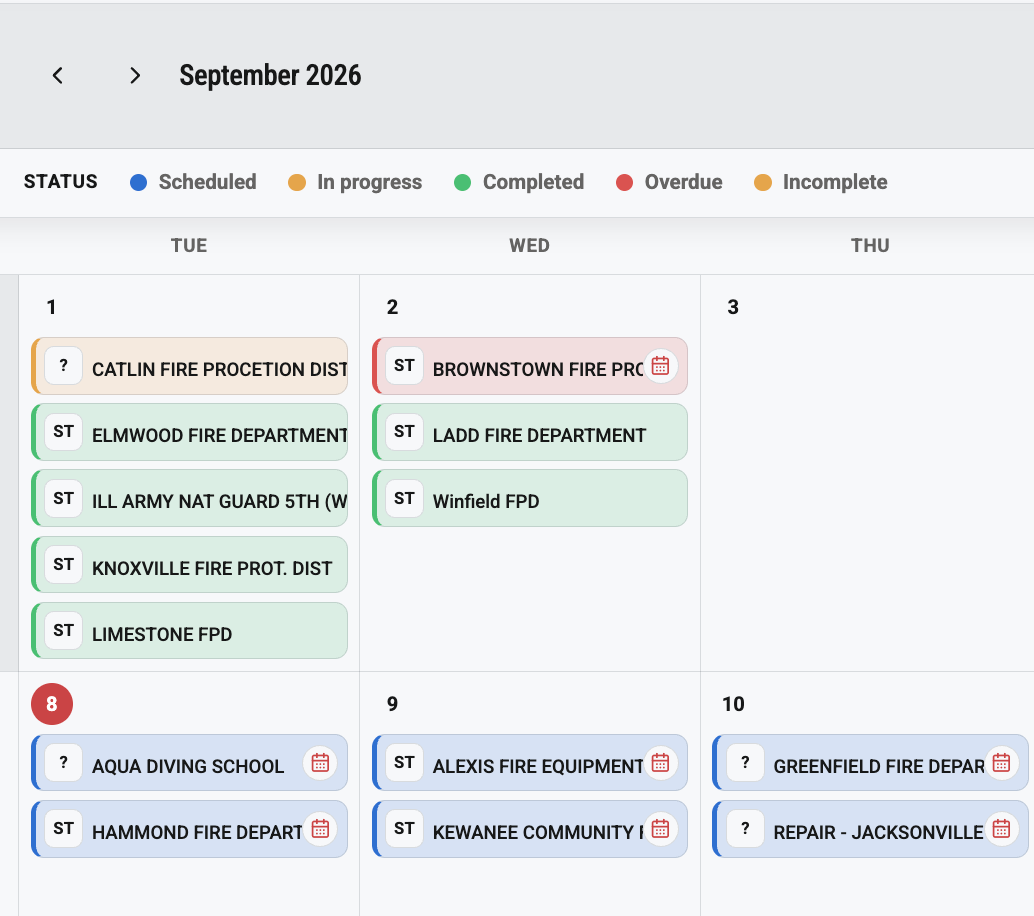
Built around the realities of air tests, preventive maintenance, cylinder testing, parts, and the next customer call.
The services you deliver
Ten service types. One connected workflow for scheduling, field records, parts, reports, and follow-up. Configure the forms and equipment requirements around the work you perform.
Samples, lab reports, and test history.
Preventive checks, readings, filters, and parts.
Safety checks, controls, and service records.
The reported problem, work performed, and parts used.
Scheduled testing and supporting documentation.
Performance readings, results, and service history.
Cylinder batches, test results, and traceable records.
Method-specific cylinder examination records.

Equipment, site work, and installation details.
Checklists, findings, and the next action.
Recurring & usage-based scheduling
A quarterly air test, maintenance driven by equipment use, or a repair requested today. Give each service the schedule it needs and bring the work into one calendar.
Set repeat intervals in days, months, or years. Keep the next due service connected to the equipment and its completed work.
Plan maintenance around equipment usage intervals and projected service dates.
Combine calendar and usage rules. The earlier due date determines when service is needed.
Schedule repairs, installations, and one-time work alongside recurring service.
From due work to completed work
Group nearby jobs, prepare the right parts, and put equipment history, manuals, and service forms in the technician’s hands. Carry the results back to the office without rebuilding the story.
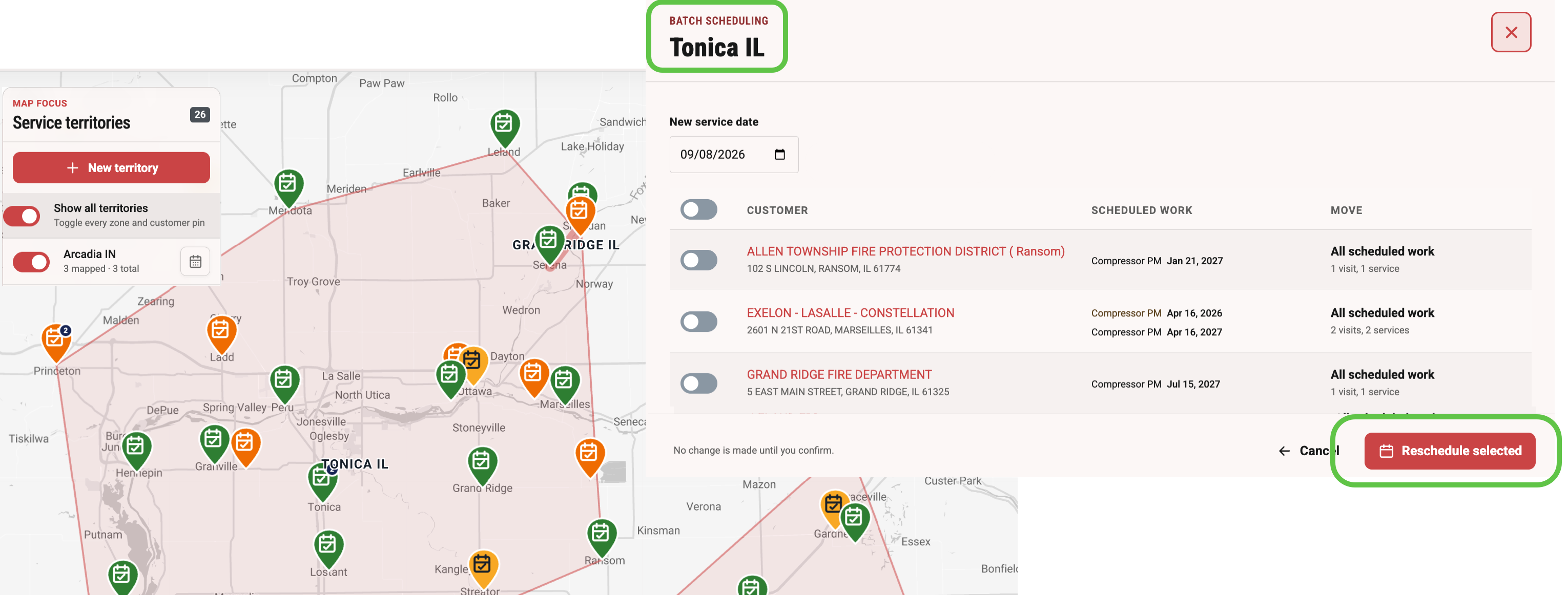
The company behind the service
Keep customer equipment and service history in your operating workspace. Maintain company and branch profiles, inspector rosters and service capabilities. Link an authority-facing provider profile explicitly when you need to file reports.
How FD Maintain helps
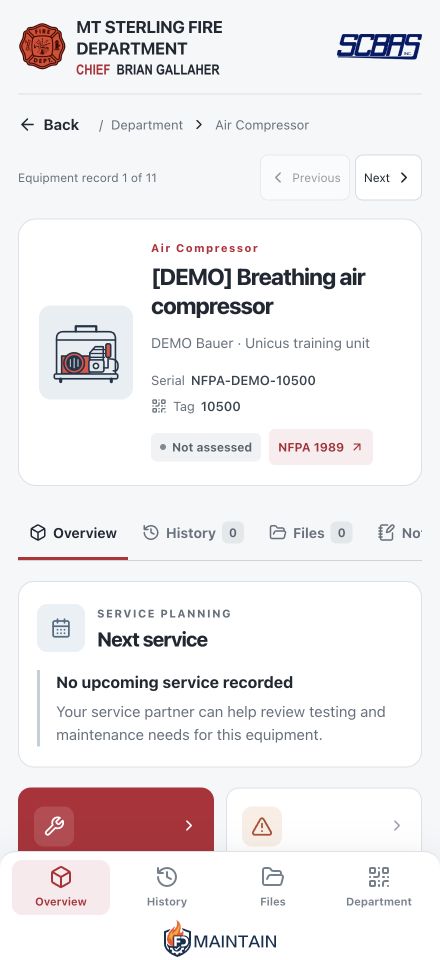
Give customers a simple way to find records, report a fault, and ask for service. Help build the electronic service history their department needs, alongside the other providers who maintain its equipment.
See the customer experience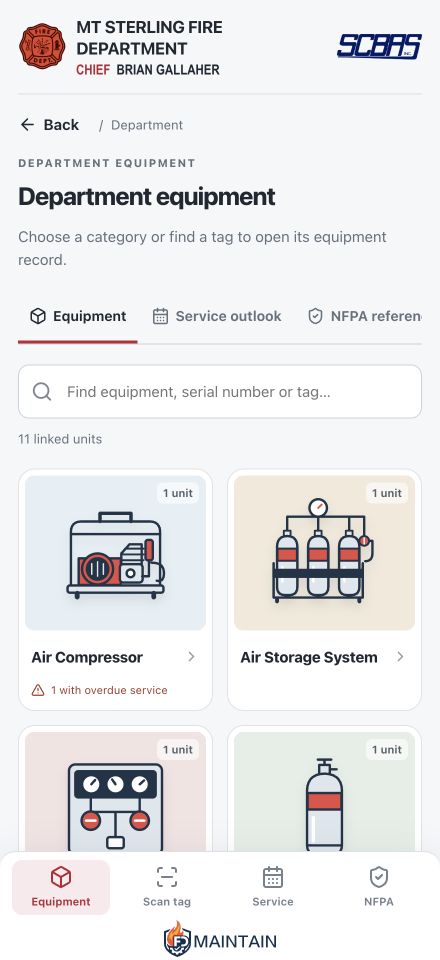
Grow with FD Maintain
Give the departments you serve a better way to manage equipment information. We offer generous revenue-sharing programs for service providers who introduce customers to FD Maintain.
A practical starting point
Paper forms, spreadsheets, a system you built yourself, or an existing ERP or ticketing tool. We start with what you use and help you connect the work.
See how getting started works
Bring one real process and the work that slows it down.
Configure the forms, records, and workflows your team needs first.
Use the Training Library’s short videos and written guides as you work.
Clutch AI · Built into FD Maintain
Find service gaps before planning the next trip. Check parts before sending the truck. See which quotes need a reply. Clutch AI connects plain-language questions to your business records, so you spend less time searching and more time moving work forward.
Meet Clutch AI“Which equipment is overdue for service?”
“Do we have the parts for Monday’s jobs?”
“Which quotes need a follow-up?”
For authorized administrators. Answers link to the records you’re permitted to see.Let’s make the work easier
Let’s see where better preparation, clearer records, and follow-up can save your team time.